 Specs
1080p vs 4K Webcam: What the Spec Sheet Means on a Call
For video calls, 1080p is the useful ceiling for most people. The lines that change what colleagues see are field of view, focus and camera placement. 4K earns its price when you record, stream or crop.
This guide reads three Logitech webcam pages and Zoom's bandwidth table, all checked October 21, 2026. The cameras are the Brio 100, the Brio 500 and the MX Brio, which cover Logitech's basic, middle and 4K tiers.
We did not run any of them. We read what Logitech and Zoom wrote and translated it, and we pulled laptop camera lines from our own reviews.
Start with what the call app sends, not what the camera records
A webcam's top resolution is what it can record. A video call sends what the meeting app chooses, which depends on the app, the connection and the layout. Zoom's system requirements page lists the bandwidth it recommends for each quality level.
- 720p, one-to-one call: 1.2 Mbps up and down
- 720p, group call: 2.6 Mbps up, 1.8 Mbps down
- 1080p, one-to-one or group: 3.8 Mbps up, 3.0 Mbps down
Zoom's table stops at 1080p. A 4K camera on a Zoom call is therefore sending a scaled-down picture, by our reading of that table. Zoom's page does not say when a meeting switches to 1080p, so we do not guess.
Upload speed matters as much as the camera. If your home network is the weak link, our mesh Wi-Fi guide and our Wi-Fi 7 explainer cover the box numbers that decide it.
Read resolution and frame rate as a pair
Every webcam page lists resolution next to a frame rate, and the pair is the real spec. Logitech's three pages list these modes.
- Brio 100: 1080p at 30fps and 720p at 30fps
- Brio 500: 1080p at 30fps and 720p at 60fps
- MX Brio: 4K at 30fps (3840 x 2160) and 1080p at 60fps
30fps is the normal rate for a call. 60fps smooths movement, which helps if you gesture a lot or demonstrate objects, but each camera only reaches it one step below its top resolution.
The pixel arithmetic is simple. 1080p is 1920 x 1080, about 2.1 million pixels. 4K is 3840 x 2160, about 8.3 million, four times as many. That is our arithmetic from Logitech's listed dimensions.
Treat megapixels as cropping room
Webcam pages also list sensor megapixels: 2MP for the Brio 100, 4MP for the Brio 500 and 8.5MP for the MX Brio. The useful question is how far the sensor exceeds the video it sends.
A 2MP sensor sending 1080p video has almost no pixels to spare. A 4MP sensor has room to crop, which is what digital zoom and auto-framing use; Logitech lists 4x digital zoom on both the Brio 500 and MX Brio.
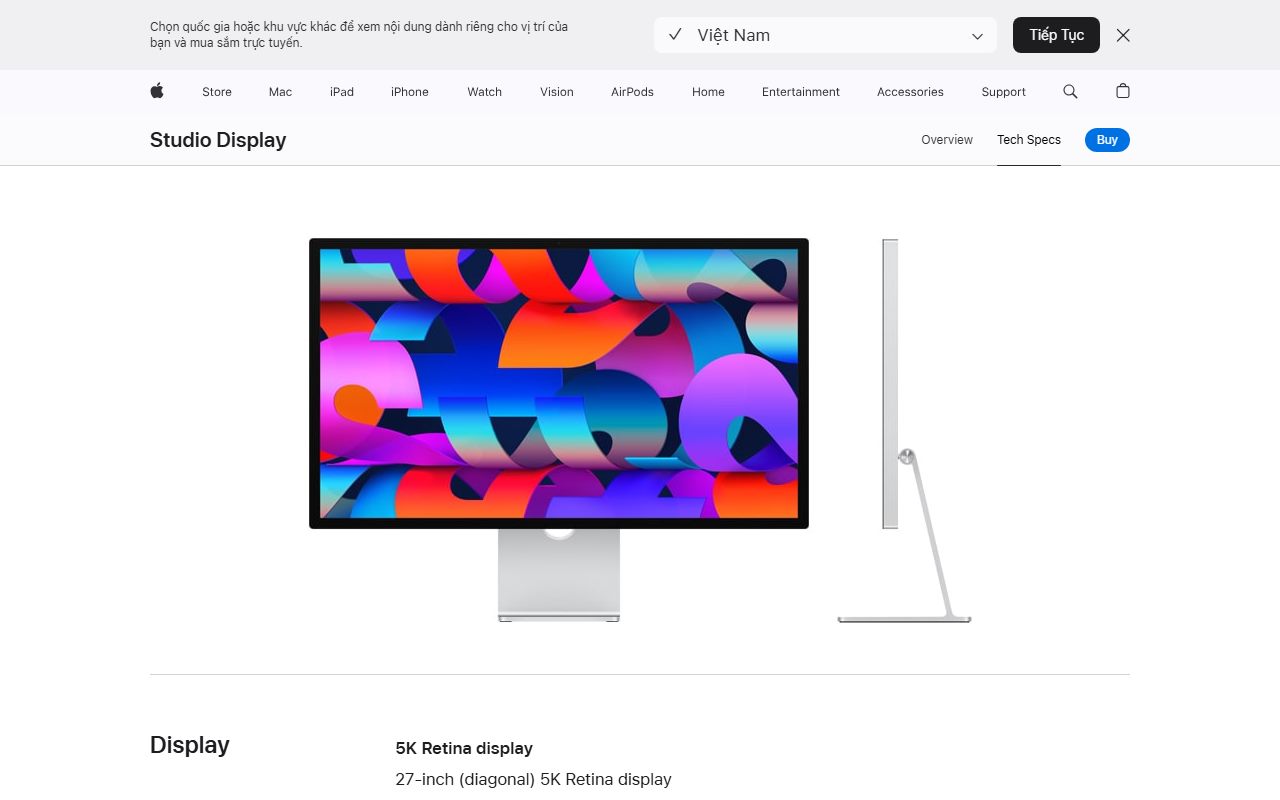
Laptops follow the same logic. The MacBook Air 13 lists a 12MP Center Stage camera with 1080p video, per our review, and the Apple Studio Display lists a 12MP Center Stage camera too. The HP OmniBook X Flip 14 lists a 5MP IR camera.
Let field of view decide what the room sees
Field of view is the line most buyers skip and the one that changes a call most. Webcam makers usually quote it diagonally, corner to corner, in degrees.
- 58 degrees (Brio 100, fixed): head and shoulders at arm's length, little of the room
- 65 degrees (Brio 500 and MX Brio, narrowest setting): a tight single-person frame
- 78 degrees: a middle setting for one person
- 90 degrees (widest setting): shoulders, desk edge and much of the wall behind you; room for two people
A wider view is not automatically better. It shows more of a messy room and makes a face smaller in the frame. Selectable settings are the useful feature, because one camera can serve a solo call and a two-person call.
Check focus, lens and light processing
The Brio 100 lists fixed focus and a four-element plastic lens with anti-reflective coating. The Brio 500 lists autofocus and a glass lens, and the MX Brio lists advanced autofocus and a glass lens.
Fixed focus is fine for a face at a steady distance. Autofocus matters when you hold a document or product up to the camera.
Logitech's light processing steps up the same way: RightLight 2 on the Brio 100, RightLight 4 with HDR on the Brio 500, RightLight 5 on the MX Brio.
None of this replaces light. Processing can balance a bright window and a dark face, but it cannot add light to a dark room.
Check the plug and the port before you pay
Connection lines decide whether the camera works with your desk at all.
- Brio 100: USB-A plug-and-play, 1.5 m cable
- Brio 500: USB-C plug-and-play, attached 1.5 m cable
- MX Brio: detachable USB-C to USB-C cable, 1.5 m, and a USB-C port supporting USB 3.0 is required
A laptop with only USB-C ports, such as the Dell XPS 13 with two Thunderbolt 4 ports per our review, suits the USB-C models. A monitor with a downstream USB-C port, such as the BenQ PD2706U, keeps the cable short.
Read the privacy and microphone lines
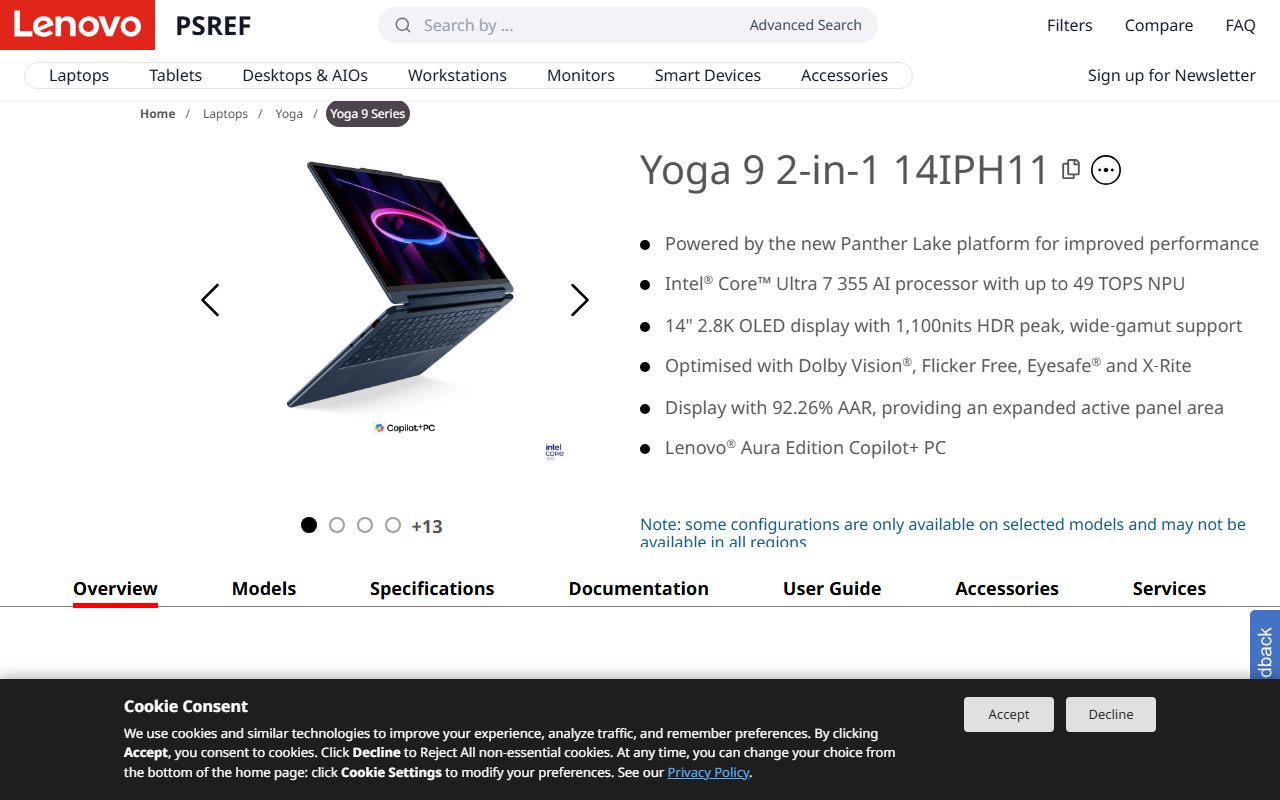
All three Logitech pages list a built-in privacy shutter. Laptop cameras vary; the Lenovo Yoga 9i 2-in-1 Aura Edition lists a privacy shutter on its 5MP IR camera, per our review.
Microphones step up too: an omni-directional mic with a 1 m range on the Brio 100, a stereo mic rated to 1.22 m on the Brio 500, and dual beamforming mics rated to 1.2 m on the MX Brio.
A webcam microphone is still a room microphone. In a shared space, earbuds or a headset close to your mouth usually sound better; our earbuds for calls guide covers that side.
Count the software requirements
Several features live in an app, not in the camera. Logitech says auto-framing and Show Mode on the Brio 500 need Logi Tune, which is not available for ChromeOS.
The MX Brio page lists full Logitech software support only on Windows and macOS. ChromeOS and Linux get basic webcam support through the USB Video Class standard. Logitech also lists 2 GB of RAM or more for 1080p streaming on the Brio models.
If your work laptop blocks app installs, read the camera's features as the basic set only. Our everyday laptop guide lists which laptops ship with capable cameras of their own.
What the three tiers cost on October 21, 2026
- Brio 100: $24.99 on sale, $39.99 list
- Brio 500: $129.99, no sale shown
- MX Brio: $169.99 on sale, $199.99 list
Prices are from Logitech's US store on the day we read them and will change. During those sales, the 4K tier cost $40 more than the middle tier, by our arithmetic.
Bottom line
Buy for the call you make. For meetings, 1080p at 30fps is enough, so spend on field of view, autofocus and placement.
Pay for 4K or 60fps only if you record, stream or crop heavily. Check the plug against your ports, and check which features need an app before you rely on them.
Sources
- Logitech US store, Brio 100 webcam product page - checked October 21, 2026
- Logitech US store, Brio 500 webcam product page - checked October 21, 2026
- Logitech US store, MX Brio 4K webcam product page - checked October 21, 2026
- Zoom support, Zoom system requirements: Windows, macOS, Linux (bandwidth) - checked October 21, 2026