 Specs
USB-C PD wattage explained: what your laptop needs

Your laptop needs at least the wattage printed on its own adapter, delivered over a cable that can carry it. Everything else on a USB-C charger box, from 100 W to PPS to GaN, is detail around that one number. This note explains how USB Power Delivery decides what flows down the cable, what changed in 2021, and how to read a multi-port charger's spec sheet. It draws on the USB-IF and USB Promoter Group announcements, Apple's and Samsung's published requirements, and the two chargers we graded in October 2026.
Watts are volts times amps, agreed per device
A USB-C charger does not push power at a device. It offers a short menu of voltages and currents, and the device asks for one. That conversation is USB Power Delivery, usually written USB PD.
Power is voltage times current. 20 volts at 5 amps is 100 watts. 9 volts at 3 amps is 27 watts. When a box says 100 W, it means the highest pair on the menu multiplies out to 100.
The USB Promoter Group's May 26, 2021 announcement lists the standard fixed voltages as 5 V, 9 V, 15 V and 20 V. Both chargers we graded, the Anker Prime 100W and the UGREEN Nexode 100W 4-port, list those four steps on their USB-C ports.
100 W was the ceiling until 2021
Before USB PD Revision 3.1, the top of the menu was 20 V at 5 A, so 100 W. The USB Promoter Group's announcement says so directly: USB PD was limited to 100 W using a 20 V solution and cables rated at 5 A.
Revision 3.1, announced May 26, 2021, added three higher fixed voltages: 28 V, 36 V and 48 V. The USB-IF's charger page ties them to 140 W, 180 W and 240 W. The USB Type-C specification was updated to Release 2.1 at the same time to define 240 W cables.
This higher range is what lets a 16-inch MacBook Pro charge at 140 W over USB-C. Apple's support page lists only its 140 W adapter for that model.
The cable can cap the charger
Current is limited by the cable. A standard USB-C cable is rated for 3 A, so at 20 V it tops out at 60 W, by our arithmetic. Only a cable rated for 5 A carries 100 W.
Those 5 A cables carry a small chip, an E-Marker, that tells the charger what the cable can handle. Anker's product page recommends an E-Marker cable for 100 W, and UGREEN's FAQ image asks for a 5 A cable for laptops.
This is the most common reason a laptop shows a slow-charge warning on a new charger. The charger is fine; the cable told it to hold back.
Find the number your laptop actually needs
The answer is printed on the adapter that came with the laptop. On a Mac, Apple says you can also hold Option, open System Information, choose Power and read the wattage under AC Charger Information.
Apple's recommended adapters, from its support pages checked October 17, 2026:
- MacBook Air, 2022 or later: 30 W (13-inch only), 35 W dual-port, 67 W or 70 W
- MacBook Pro 14-inch, 2021 or later: 67 W, 70 W or 96 W
- MacBook Pro 16-inch, 2021 or later: 140 W
- Fast charging, up to 50% in around 30 minutes: 67 W (13.6-inch Air only), 70 W, 96 W or 140 W for the Air; 96 W or 140 W for the 14-inch Pro; 140 W for the 16-inch Pro
Apple also says a Mac charges from adapters rated above or below the recommendation, and asks for at least the minimum for the best experience. A lower-wattage charger works; it charges more slowly, and under heavy load the battery may still drain.
Multi-port chargers split their total
The headline wattage on a multi-port charger is rarely what a laptop gets when anything else is attached. The good spec sheets publish the split; the weaker ones publish only totals.
UGREEN's charging guide, read October 17, 2026, gives a laptop on its first port 100 W alone, 65 W with a phone on the second USB-C port, and 45 W with all four ports busy. Anker lists 100 W total with two ports in use and 89 W with three, but not how either total divides.
Our Anker Prime 100W vs UGREEN Nexode 100W comparison walks through both. The lesson generalises: look for the multi-port table before buying, and if there is none, assume the laptop gets less than the headline.
Monitors can be chargers too
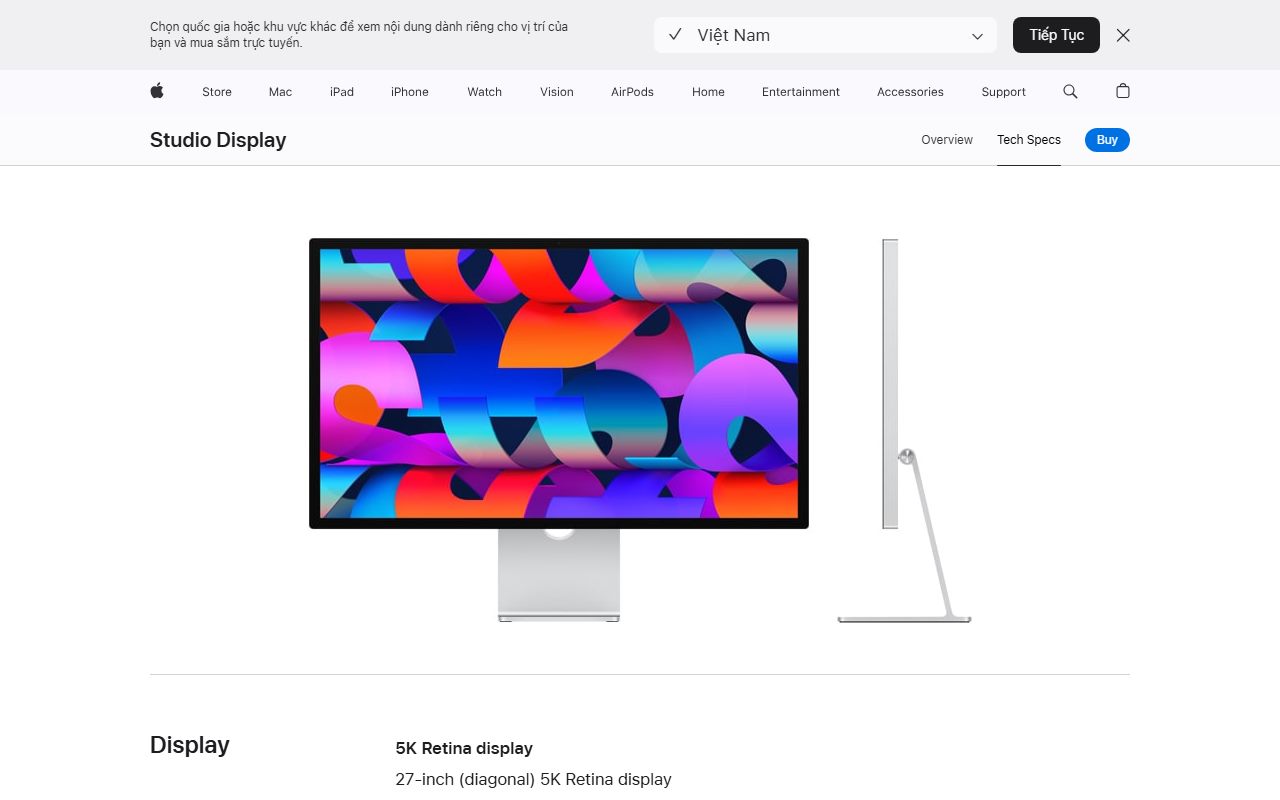
A USB-C monitor with power delivery is a charger with a screen attached. The BenQ PD2706U and the LG 27UP850K-W list 90 W over USB-C, the Apple Studio Display lists 96 W, and the Dell UltraSharp U2724D lists none, per our reviews.
The same rule applies: compare the monitor's wattage with your laptop's adapter. Our monitor specs explainer covers the rest of a monitor's USB-C line.
PPS and AVS are for phones
Phones want finer control than four fixed voltages. The USB-IF's January 8, 2018 announcement introduced Certified USB Fast Chargers built on the Programmable Power Supply feature of USB PD 3.0, known as PPS.
Samsung's 45 W Super Fast Charger 2.0 lists PD 3.0 with PPS at 5-20 V and 2.25 A. That is why a charger needs PPS for a Galaxy's fastest mode. UGREEN lists PPS; Anker's page does not.
The 2021 revision added a second fine-grained mode, an adjustable voltage range from 15 V up in 100 mV steps. Apple now asks third-party chargers for the iPhone 18 Pro to be 60 W-capable with USB-PD 3.2 and this Adjustable Voltage Supply.
For earbuds and headphones none of this matters. The Sennheiser MOMENTUM 4 Wireless lists USB-C charging at 5 V and 800 mA, about 4 W.
Bottom line
- Read your laptop's adapter wattage and match it on the charger's laptop port.
- Check what that port gives with your other devices attached, not alone.
- Use a 5 A E-Marker cable for anything above 60 W.
- For a 16-inch MacBook Pro, look for 140 W, which needs the 2021 extended range.
- For a Galaxy, look for PPS; for an iPhone 18 Pro, look for USB-PD 3.2 with AVS.
Frequently asked
Can a higher-wattage charger damage my phone or laptop? No, by the design of USB PD. The charger offers voltages and the device requests what it supports, so a 100 W charger gives earbuds a few watts at 5 V.
Can I charge a laptop with a phone charger? Often, slowly. Apple says Macs charge from adapters below the recommended wattage. Under heavy use the battery may still drain.
Why does my laptop say slow charger with a 100 W charger? Usually the cable. A 3 A cable caps the port at 60 W; a 5 A E-Marker cable is needed for 100 W.
Sources
- USB Promoter Group: USB Power Delivery Specification Revision 3.1 announcement, May 26, 2021 - checked October 17, 2026
- USB-IF: USB Charger (USB Power Delivery) - checked October 17, 2026
- USB-IF: Certified USB Fast Charger and PPS announcement, January 8, 2018 - checked October 17, 2026
- Apple Support: Use a power adapter with your Mac - checked October 17, 2026
- Apple Support: Fast charge your MacBook Air or MacBook Pro - checked October 17, 2026
- Apple Support: Fast charge your iPhone - checked October 17, 2026
- Samsung 45W Super Fast Charger 2.0 (EP-T4511) product page, UK - checked October 17, 2026
- Anker Prime Charger (100W, 3 Ports, GaN) A2688 product page - checked October 17, 2026
- UGREEN Nexode 100W 4-Port Charger product page (US store) - checked October 17, 2026