 Specs
Monitor specs that change what you see, explained

A monitor spec sheet lists forty rows and five of them decide whether you like the thing: panel type, resolution, brightness, contrast and what the USB-C port can do. The rest is detail. This note explains those five in plain terms, using the real figures from the four 27-inch office monitors we graded in October 2026: the Dell UltraSharp U2724D, the BenQ PD2706U, the LG 27UP850K-W and the Apple Studio Display. Every number is from the maker's own page, read October 16, 2026, or from the VESA and USB-IF standards documents linked at the end. We have not measured any of these panels; this is a reading guide, not a lab report.
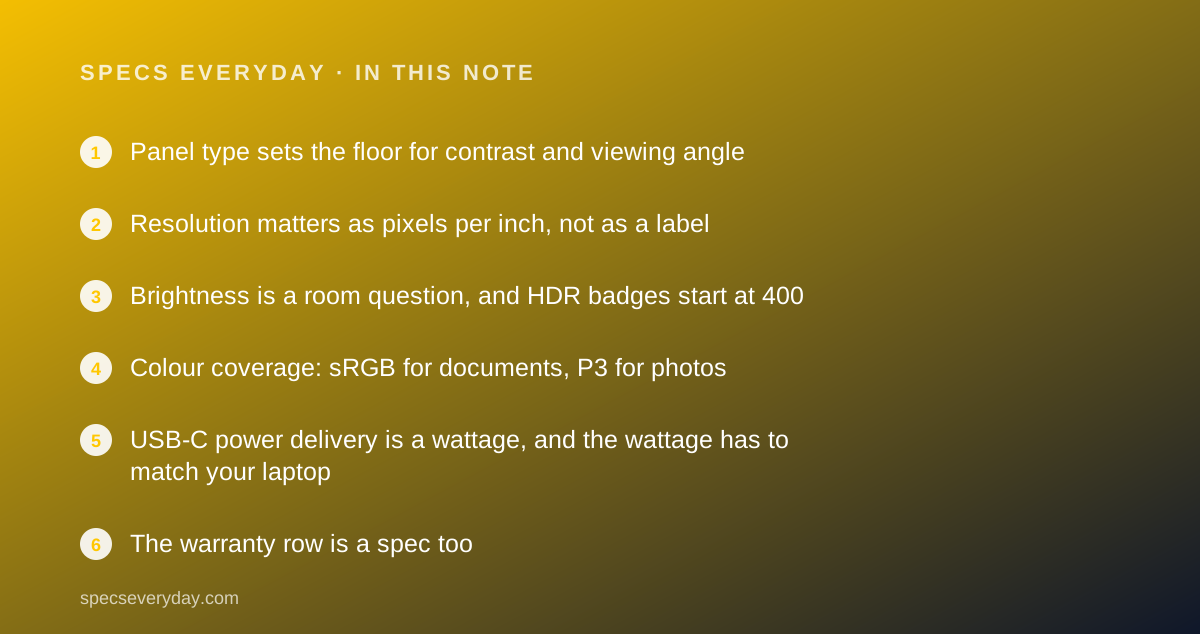
Panel type sets the floor for contrast and viewing angle
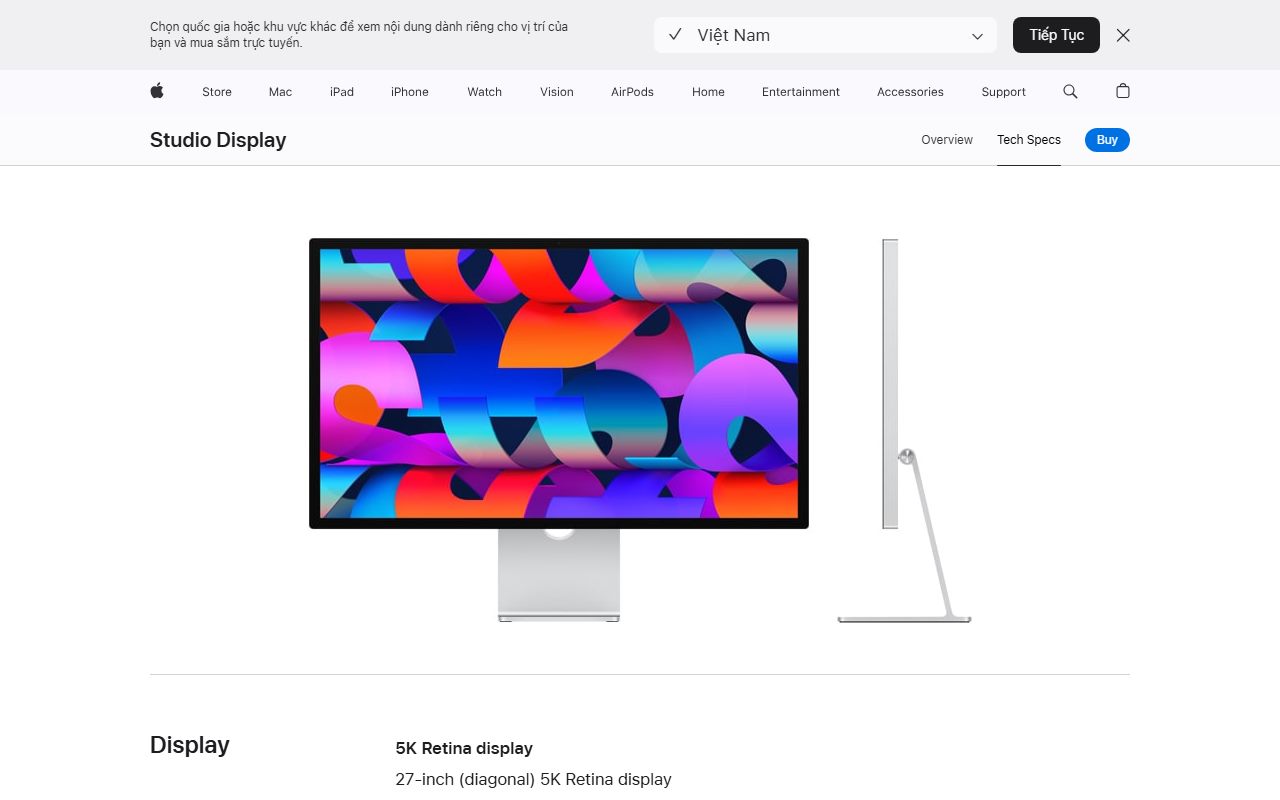
All four monitors in our cluster are IPS panels, the type that holds colour and brightness when you look at it from the side. That is why IPS dominates office monitors: two people can look at one screen and see the same thing.
Within IPS there are grades. Dell's IPS Black panel in the UltraSharp U2724D is listed at 2,000:1 native contrast. The standard IPS panels in the BenQ PD2706U and the LG 27UP850K-W are listed at 1,200:1. Apple does not publish a contrast figure for the Studio Display.
What the contrast number means: at 1,200:1 the darkest black is one twelve-hundredth as bright as the brightest white. In a dim room that black reads as dark grey. At 2,000:1 it reads darker. Neither is an OLED, but the difference is visible in dark-mode editors and video letterboxes.
The other panel types you will meet on spec sheets: VA, which lists higher contrast (often 3,000:1) but shifts colour at angles, and OLED, which lists effectively infinite contrast and is rare and expensive at office sizes. For a shared desk, IPS is the safe default.
Resolution matters as pixels per inch, not as a label
The label says QHD or 4K or 5K. The number that affects your eyes is pixels per inch, which depends on the screen size. At 27 inches, the three resolutions in our cluster work out like this.
- QHD, 2560 x 1440: about 109 ppi by our arithmetic. The Dell UltraSharp U2724D. Sharp, with visible pixel structure if you lean in.
- 4K, 3840 x 2160: 163 ppi, a figure BenQ prints on its spec page. The BenQ PD2706U and the LG 27UP850K-W. No visible pixel grid at a normal desk distance.
- 5K, 5120 x 2880: 218 ppi, per Apple's spec page. The Studio Display. The density macOS is designed around, at an exact 2x scale.
The practical consequence is scaling. On a 4K 27-inch panel most people run 150% in Windows, which gives a workspace the same size as native QHD with sharper letters. On a 5K panel macOS runs at 200% with no fractional scaling at all, which is the whole reason the Studio Display costs what it does.
Refresh rate is the other half of the resolution row. The Dell lists 120 Hz; the other three list 60 Hz. At 120 Hz the cursor and scrolling pages move more fluidly. For documents it is a comfort; for anyone coming from a high-refresh laptop screen it is a noticeable loss to go back to 60.
Brightness is a room question, and HDR badges start at 400
Brightness is listed in candelas per square metre, written cd/m2 or nits; the two units are the same. In our cluster the Dell and BenQ list 350 cd/m2 typical, the LG lists 400, and the Apple lists 600.
For an office with blinds, 300 to 350 is enough and most people run the panel well below maximum. For a desk facing a window, the LG's 400 and especially the Apple's 600 are meaningful. The matte coating on the LG and BenQ also reduces reflections, which is a separate line on the sheet worth checking.
HDR is where the badge can mislead. VESA's DisplayHDR 400 tier, per the DisplayHDR CTS 1.2 criteria, requires a minimum 400 cd/m2 peak on a small patch, 90% DCI-P3 coverage, a 10-bit video signal and a black level no higher than 0.4 cd/m2 with at least 1,300:1 static contrast or one-dimensional local dimming.
The BenQ and the LG both carry DisplayHDR 400. On panels that list 350 to 400 cd/m2 typical, that badge means the monitor accepts an HDR signal and meets the entry bar. It does not mean HDR video will look like it does on a television. Treat DisplayHDR 400 as a compatibility note, DisplayHDR 600 and above as a picture-quality claim.
Colour coverage: sRGB for documents, P3 for photos
Every monitor in our cluster lists 100% sRGB or the equivalent BT.709. That is the colour space of the web, of office documents and of most video. If you do not edit photos or video, this row is already satisfied by any of the four.
DCI-P3 is the wider space used by phones, by streaming video and by print proofing. The Dell lists 98%, the BenQ and LG list 95%, and Apple lists P3 without a percentage. For photo and video work those figures matter; for spreadsheets they do not.
Delta E is the colour accuracy claim: how far a displayed colour sits from the target, averaged over a test set. Dell lists under 2, BenQ lists 3 or better with a printed calibration report. Lower is better, and anything under 3 is considered not visible to most eyes. These are factory claims; a calibration report in the box is the more useful document.
USB-C power delivery is a wattage, and the wattage has to match your laptop
USB-C on a monitor can mean three different things, and the spec sheet tells you which: data only, video plus data, or video plus data plus charging. The charging figure is listed in watts under Power Delivery.
USB-IF, the body that writes the standard, states that USB Power Delivery was limited to 100 W before revision 3.1 and now allows up to 240 W over full-featured USB-C cables, and that devices negotiate for the power they need. Monitors sit at the lower end of that range: 65 W, 90 W and 96 W are the common figures.
- Dell UltraSharp U2724D: USB-C is data only, 10 Gbps. No video, no charging. The U2724DE sibling lists 90 W at $599.99.
- BenQ PD2706U: 90 W with DisplayPort Alt Mode video and data, plus a KVM switch.
- LG 27UP850K-W: 90 W with video and data. The cheaper LG 27U730B-B lists 65 W.
- Apple Studio Display: 96 W host charging over Thunderbolt 5.
The match that matters is the laptop's own adapter. A 13-inch or 14-inch laptop that ships with a 60 W to 96 W adapter charges at full speed from a 90 W port. A 16-inch workstation laptop that ships with a 140 W adapter will charge slowly or hold level under heavy load. Read the wattage printed on your charger before you read the monitor's.
The warranty row is a spec too
The warranty line sits at the bottom of the sheet and it is the one most buyers skip. In our cluster it ranges from one year (LG, Apple) to three years (Dell, BenQ). On a $350 to $440 monitor, two extra years of cover is worth more than a 50 cd/m2 brightness difference.
Read the terms, not just the years. Dell describes Advanced Exchange, which ships a replacement before you return the faulty unit. BenQ lists parts and labour with no advance replacement but publishes a zero-bright-dot guarantee. Those are different promises for the same three years.
Bottom line
Read five rows before the rest: panel type and contrast, pixels per inch at your screen size, typical brightness against your room, what the USB-C port actually does and at how many watts, and the warranty terms. Then pick the monitor whose weak row is the one you care least about.
In our October 2026 cluster that logic produced a clear split: the BenQ PD2706U for laptops, the Dell UltraSharp U2724D for desktops, the LG 27UP850K-W for budgets and the Apple Studio Display for Mac owners who want everything in one piece of glass. Our Dell U2724D vs BenQ PD2706U comparison and the best monitors for everyday office work guide walk through the same five rows side by side.
Frequently asked
Is 4K worth it over QHD at 27 inches? For text, 4K at 163 ppi is visibly crisper than QHD at about 109 ppi, and most people notice it immediately. For motion, a 120 Hz QHD panel like the Dell U2724D is smoother than a 60 Hz 4K panel. Pick by what you look at most.
Does DisplayHDR 400 mean a monitor is good at HDR? No. Per VESA's criteria it is the entry tier: 400 cd/m2 peak, 90% DCI-P3, 10-bit signal. It means the monitor accepts HDR and meets a minimum bar. DisplayHDR 600 and the True Black tiers are where HDR starts to look different from SDR.
How many watts of USB-C power delivery do I need? Match or exceed the wattage printed on your laptop's charger. 65 W covers most 13-inch laptops, 90 W to 96 W covers most 14-inch and some 16-inch machines, and laptops with 140 W adapters will not charge at full speed from any monitor in our cluster.
Sources
- VESA DisplayHDR performance criteria (CTS 1.2) - checked October 16, 2026
- USB-IF: USB Charger (USB Power Delivery) - checked October 16, 2026
- Dell UltraSharp U2724D product page and spec table - checked October 16, 2026
- BenQ PD2706U specifications page - checked October 16, 2026
- LG 27UP850K-W product page and spec table - checked October 16, 2026
- Apple Studio Display technical specifications - checked October 16, 2026